Create Your First Assistant
Use create_assistant() to create, deploy, and chat with your first assistant in a few lines of Python.
This is the fastest way to get started. For more control over the assistant lifecycle, see Custodian Class later.
Before You Begin
Make sure you have:
Create a Python File
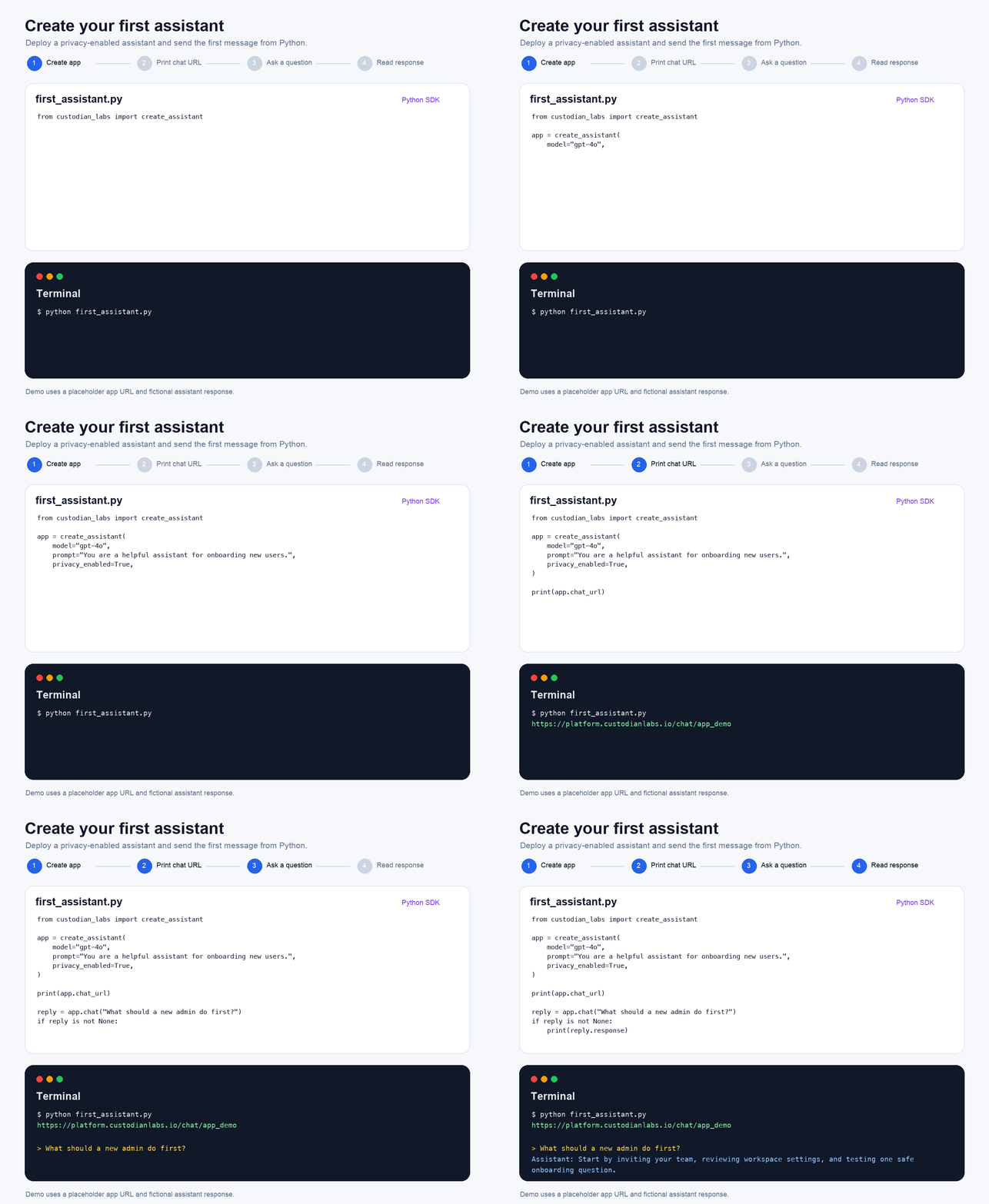
Create a file named first_assistant.py:
from custodian_labs import create_assistant

app = create_assistant(
    model="gpt-4o",
    prompt="You are a helpful assistant for onboarding new users.",
    privacy_enabled=True,
)

print(app.chat_url)

reply = app.chat("What should a new admin do first?")
if reply is not None:
    print(reply.response)
Run the Assistant
In your terminal, run:
python first_assistant.py
The SDK will:
- Create an assistant with your model and prompt.
- Deploy the assistant as an
App. - Send your message to the deployed app.
- Print the assistant's response.
Continue the Conversation
The deployed App retains the active chat session automatically. Add a follow-up message:
response = app.chat("Can you explain that in one sentence?")
print(response.response)
The assistant receives the earlier conversation context without requiring you to manage the session ID manually.
Recommended: Start an Interactive Chat
Call .chat() without a message to continue chatting from your terminal:
app.chat()
Type exit or quit to end the interactive session.
Example
Next Steps
- Custodian Class: configure and deploy assistants with more control.
- Builder API: create assistants with chained methods.
- Data Sources and RAG: add knowledge files to an assistant.
- Chat Sessions: manage multi-turn conversations.